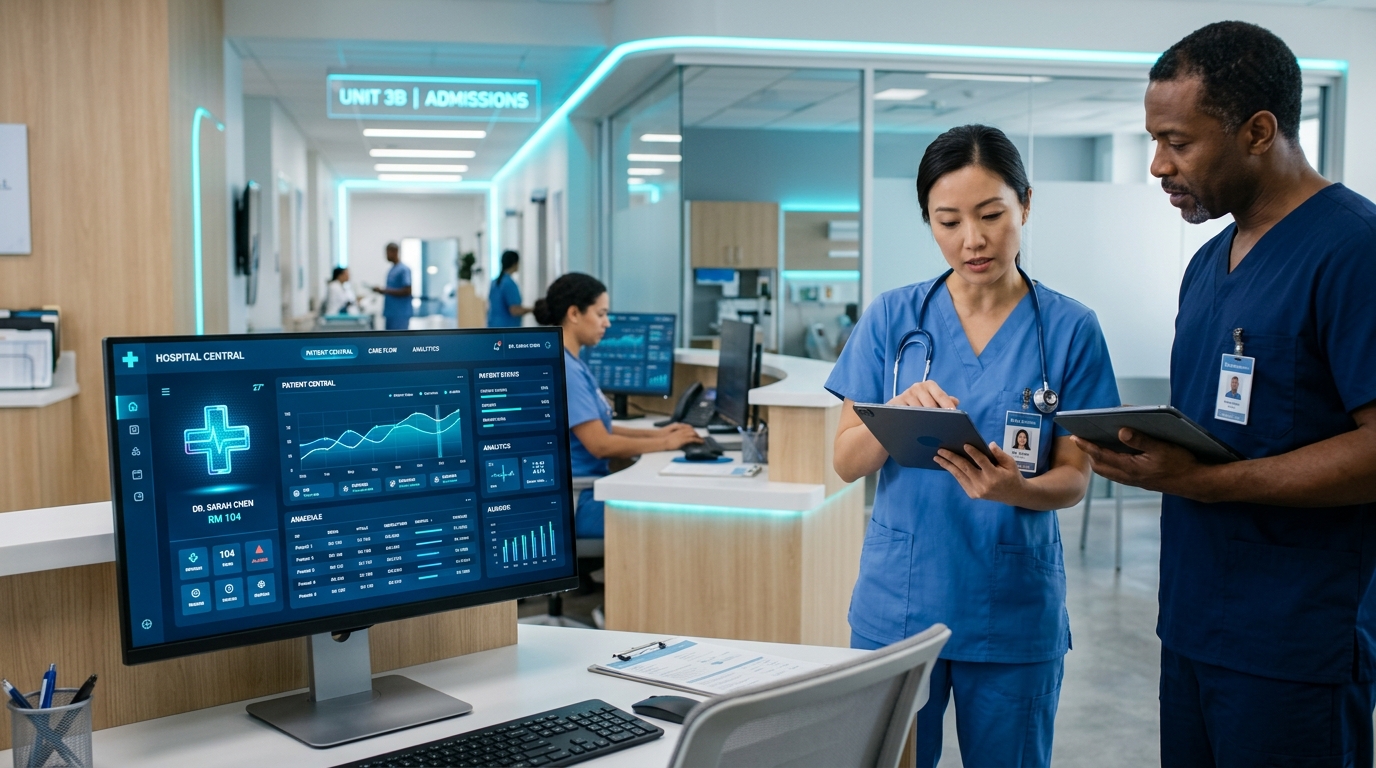
A Hospital Management System (HMS) is an integrated software platform that automates patient care, clinical records, doctor consultations, pharmacy dispensing, and financial accounting.
- Core Capabilities: Paperless OPD registration, digital EMR, automated pharmacy stock alerts, and multi-department billing.
- Key ROI Metric: Reduces patient wait times by 40% and cuts billing discrepancies by up to 85%.
- Recommended Deployment: Cloud or local-first hybrid architecture with role-based access for doctors, receptionists, and pharmacists.
What is a Hospital Management System (HMS)?
A Hospital Management System (HMS) — also referred to as a Hospital Information System (HIS) — is an enterprise healthcare management platform designed to centralize and automate every operational facet of a healthcare facility.
According to healthcare automation studies by Billing Computer, conventional hospitals spending 3–4 hours daily per department on manual paper records experience a 32% higher rate of billing friction and significant patient chart retrieval delays compared to facilities running automated HMS software.
Key Modules of Modern HMS Software
A resilient HMS unifies clinical care with administrative and financial operations into one single source of truth:
-
Outpatient Department (OPD) & Inpatient (IPD) Management
- Instant token-based patient queue management
- Bed allocation, admission notes, and discharge summaries
- Real-time departmental doctor scheduling
-
Electronic Medical Records (EMR) & Clinical Notes
- Centralized patient medical history accessible across doctor visits
- Digital prescription generation with drug dosage recommendations
- Diagnostic lab test ordering and instant report attachments
-
Integrated Pharmacy & Medication Inventory
- Automatic deduction of medicine stock upon prescription issuance
- Batch number, manufacture, and expiry date warnings
- Reorder level alerts to avoid critical drug stockouts
-
Multi-Department Billing & Revenue Cycle Management
- Consolidated invoice generation covering consultation, procedures, room charges, and medicines
- Support for cash, credit/debit card, corporate insurance, and installment tracking
- Detailed revenue, expense, and physician commission reports
Paper-Based Records vs. Modern Hospital Management System
The following comparison highlights why healthcare institutions worldwide are transitioning away from manual record keeping:
| Operational Feature | Paper-Based Healthcare | Modern Digital HMS (Billing Computer) |
|---|---|---|
| Patient Registration Time | 8 – 15 minutes per patient | Under 60 seconds with digital tokens |
| Medical Record Retrieval | Physical search through paper files | Instant search by Patient ID, phone, or CNIC |
| Billing Accuracy | Frequent missed lab/pharmacy charges | Automated multi-department line item sync |
| Prescription Legibility | Handwritten notes prone to pharmacy errors | Standardized digital printed prescriptions |
| Inventory Shrinkage | High loss rate due to untracked drug expiry | Real-time batch & expiry alerts |
| Data Security & Privacy | Physical file damage, unauthorized viewing | Encrypted backups & role-based permissions |
5 Steps to Successfully Implement an HMS in Your Facility
Implementing an HMS requires a structured approach to ensure smooth adoption across administrative and clinical teams:
1. Audit Current Departmental Workflows
Map your existing patient journey — from the reception desk to consultation rooms, laboratory, pharmacy, and cashier counters. Identify primary bottlenecks such as repetitive data entry or billing delays.
2. Configure Doctor Rosters & Service Price Lists
Standardize your consultation fees, diagnostic lab test packages, procedure charges, and bed categories within the system before going live.
3. Setup Pharmacy Inventory & Batch Numbers
Upload your current drug formulary with exact batch numbers, expiry dates, and supplier information to activate automated stock alerts.
4. Staff Role-Based Training
Train front-desk receptionists on rapid patient check-in, nurses on vitals recording, doctors on digital EMR prescription writing, and accountants on daily audit closing.
5. Launch Parallel Testing Before Full Cutover
Run the HMS alongside existing systems for 3–5 business days to verify financial closing reports and user adoption, then transition to 100% paperless operation.
Frequently Asked Questions (FAQ)
Modern HMS software operates entirely through standard web browsers. You only need standard desktop computers or tablets with reliable local network connectivity, thermal receipt printers for OPD tokens/invoices, and a standard printer for A4 prescription prints.
Yes. Billing Computer HMS features multi-branch architecture, enabling hospital administrators to monitor cross-branch patient flows, consolidated revenue dashboards, and inter-branch pharmacy stock transfers from a single unified panel.
By eliminating physical queue congestion, streamlining prescription transfers to the internal pharmacy, and providing clear, itemized bills, patients experience faster consultations and transparent medical care.