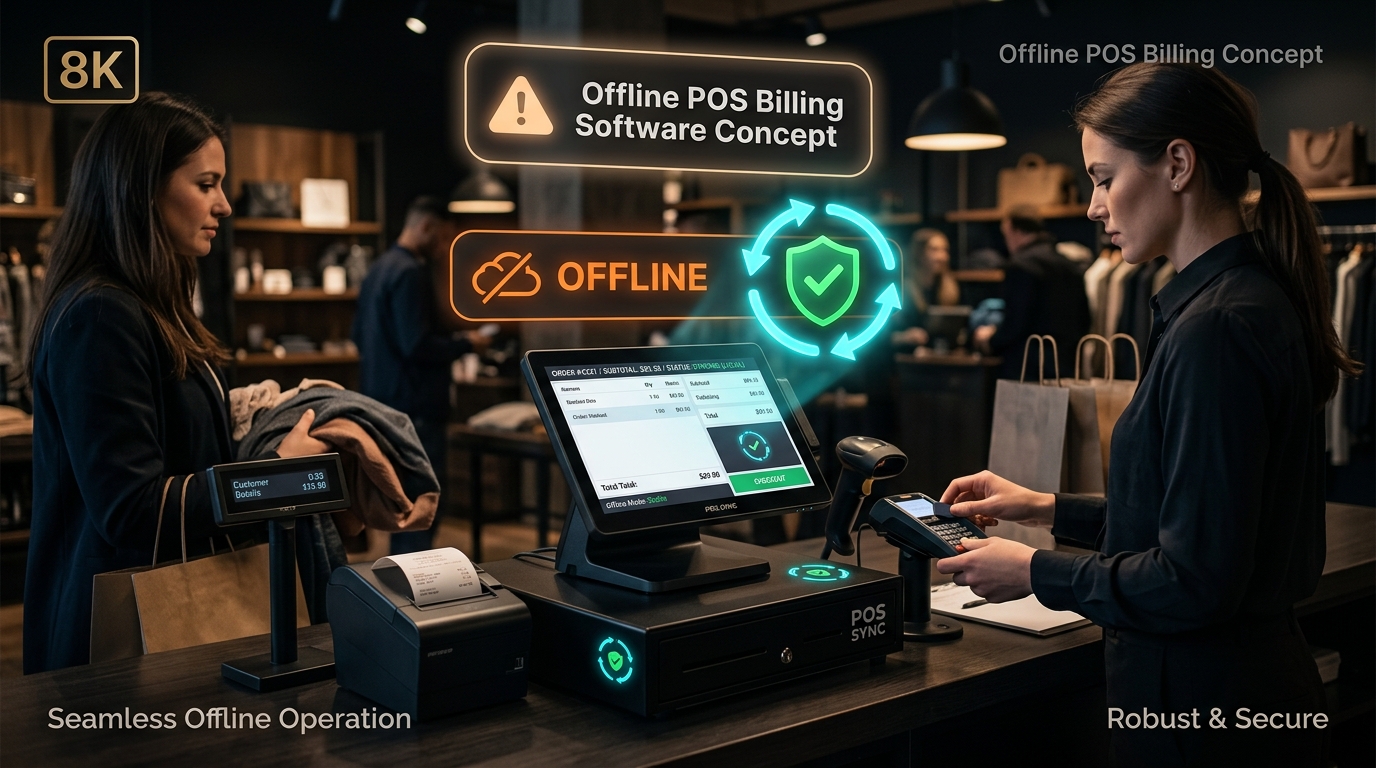
An Offline POS Billing System utilizes a local-first database architecture, enabling high-speed barcode scanning, receipt printing, and payment processing without internet dependence.
- Core Advantage: Zero downtime — retail checkout and kitchen printing continue seamlessly through ISP outages.
- Data Synchronization: Queues sales locally and automatically syncs with central cloud reporting upon reconnection.
- Speed Benchmark: Local database queries execute in under 10 milliseconds, compared to 300–800ms roundtrip cloud latency.
The Hidden Fragility of Pure Cloud POS Systems
In recent years, software vendors promoted “100% cloud POS” as the ultimate modern solution. However, real-world retailers quickly uncovered a harsh reality: the checkout counter cannot tolerate even a single minute of downtime.
When an ISP cable is damaged, a local cell tower congests, or a cloud vendor suffers server latency, a pure web-based POS locks up. Cashiers are left helpless, customers abandon full baskets, and trust is destroyed.
According to retail operational benchmarks by Billing Computer, the average retail business experiences 4 to 12 hours of combined network interruptions per month. For high-volume stores, this downtime translates directly into thousands in lost sales and frustrated shoppers.
Architectural Comparison: Pure Cloud vs. Hybrid Offline-First POS
| Performance Metric | Pure Cloud POS | Hybrid Offline-First POS (Billing Computer) |
|---|---|---|
| Internet Dependency | 100% mandatory at every scan | Zero dependency for billing & checkout |
| Barcode Lookup Latency | 250ms – 1,200ms per item | 5ms – 15ms (instant local query) |
| Behavior During Outage | Complete system freeze | Full functionality with auto-queued sync |
| Receipt Printer Speed | Delayed by cloud server response | Instantaneous local serial/USB print |
| Remote Owner Reports | Available | Real-time when online, auto-updated |
| Monthly Subscription Lock-in | Ongoing recurring fee required | Flexible perpetual license or low-cost cloud |
4 Reasons Retailers Choose Local-First Offline Architecture
1. Sub-Second Barcode Scanning Speed
In busy grocery stores, supermarkets, and apparel outlets, cashiers process 10 to 30 items per customer. Waiting even half a second for an internet request per item slows down the entire line. Local databases respond in microseconds.
2. Complete Protection Against Internet Failures
Whether due to heavy rains, severed fiber lines, or carrier maintenance, your business remains fully operational. Staff can scan, apply discounts, tender cash or card, and hand printed tax receipts to customers without hesitation.
3. Bulletproof Financial Data Security
Local encryption ensures that transaction records are securely written to internal storage first. You retain absolute ownership and physical custody of your sales ledger.
4. Automated Intelligent Cloud Synchronization
When an internet connection is available, the system synchronizes sales, stock decrements, and customer loyalty balances to your central dashboard in the background — without ever interrupting the front-of-house cashier.
Frequently Asked Questions (FAQ)
Standalone card terminals with their own SIM/cellular connectivity continue processing card transactions independently. The POS software records the approval code locally and syncs financial reports automatically.
Any standard Windows desktop PC, laptop, or dedicated all-in-one POS touch terminal running Windows 10 or 11 with at least 4GB RAM can run the software smoothly.